I recently migrated from Drupal. I can see i have a "main menu" (from structure->menus->list menus) and it includes "sustainable computing" item (screenshot below). And when I'm logged in as an admin i can see this item in the menu, but it is NOT present when i am not logged in. I do not understand why. please help me fix it
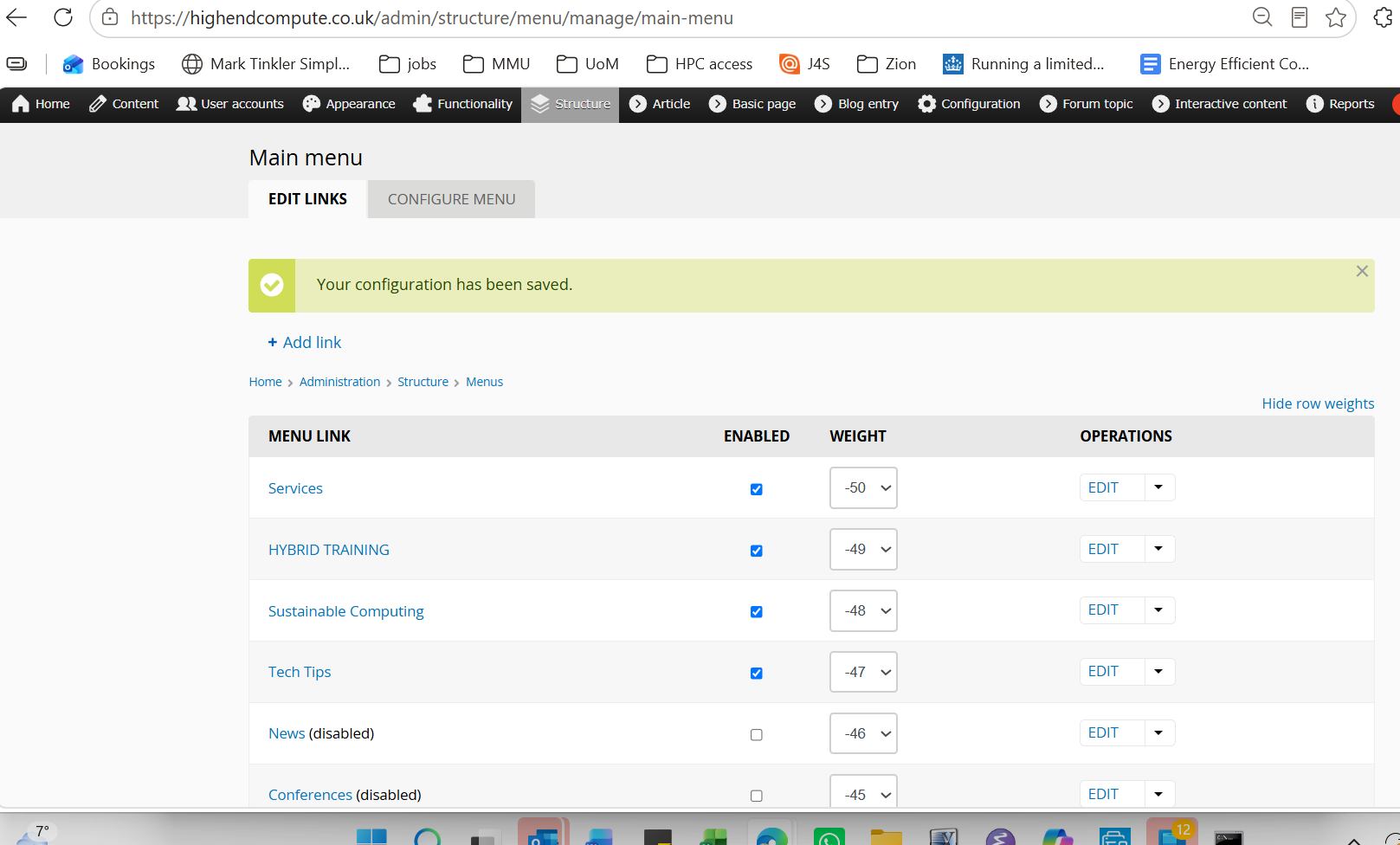
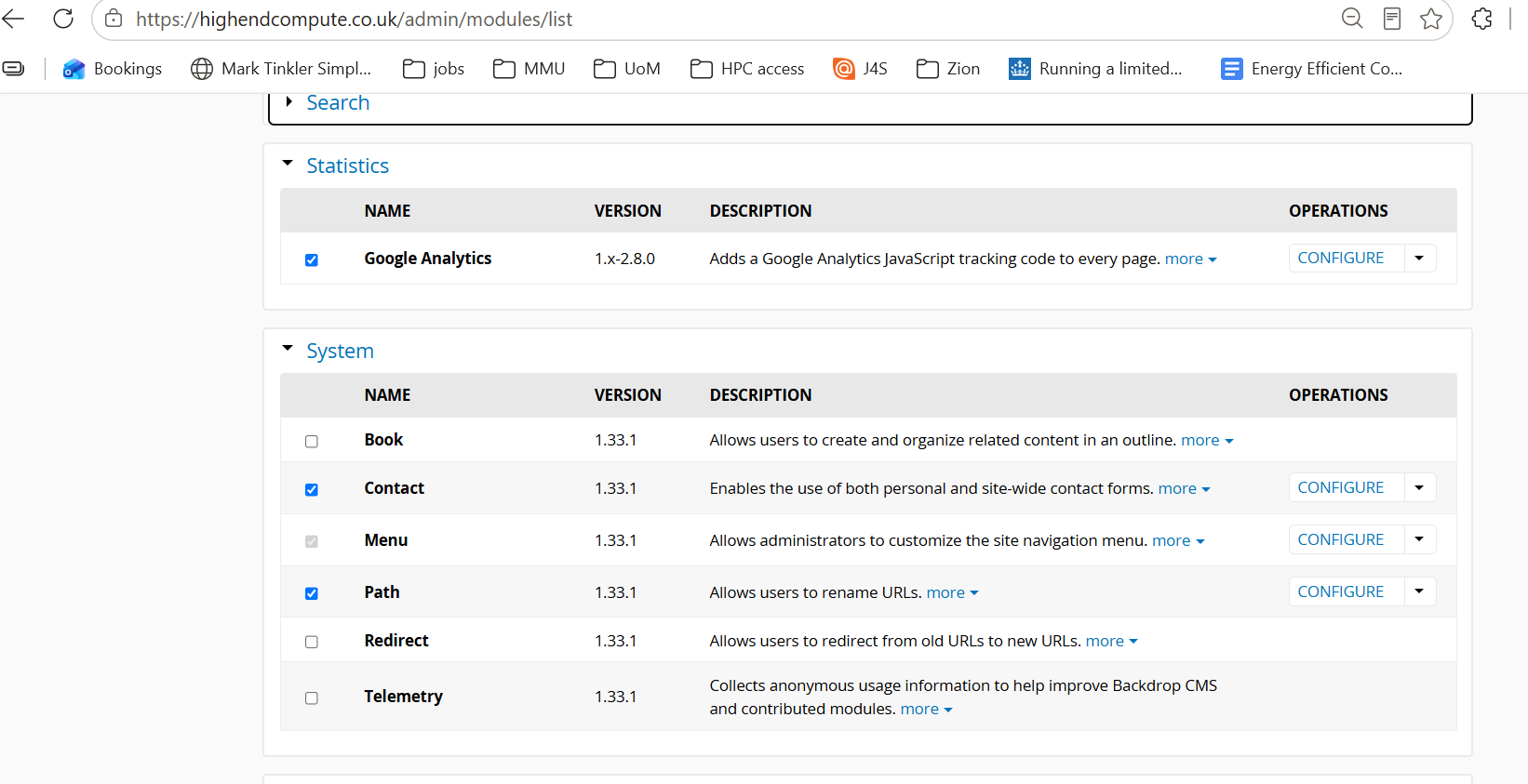
I have also noticed that Functionality->List modules under System that Menu module is greyed out:
with thanks, michael
Comments
here's the view when not logged in (ie with no 'sustainable computing' visible
but is visible when i login as admin:
Welcome to the Backdrop community!
My first suspicion would be access to the destination page. Backdrop checks access when building the menu, so a link can be enabled but still be hidden from anonymous visitors.
I would check these possibilities, roughly in this order:
The first thing I would try is to copy the missing link’s URL and open it in a private/incognito window. Can you access the page while logged out?
If you cannot, check its publication status and access permissions. If the page opens normally, check the caches and menu configuration, and see whether the missing link is present in the HTML.