It turned out that this is not a “term”, but a “page”. Ok.
If this is a content type like “News”, it is logical to use the pattern
"news/[node:title]"
where "news" is a list of all news,
and “news/some_news” is a separate news item.
I don't understand why you use [node:book:url:path].
And then, what do you have written in the "URL settings" of this page, and why you can’t just edit this URL in the "URL settings" of this page?
(I always use [node:created:raw][node:nid]
“news/[node:created:raw][node:nid]“
to receive more beautiful and unique addresses. Recommend to everyone.)
Thanks! Yes,
You can check out the dev branch on GitHub here: https://github.com/shabib-m/tailwindcss/tree/dev
Note: I’ve just pushed an update to the dev branch adding the Dark Mode...
Hi, so working through Amilenkov's useful suggestions in turn
unpublished? - I can see the page itself when not logged in. I did then edit and added a menu link from the page...
Comments
Check what the real synonym for this term
/admin/config/urls/path
Perhaps you have an error in the synonym pattern
/admin/config/urls/path/patterns
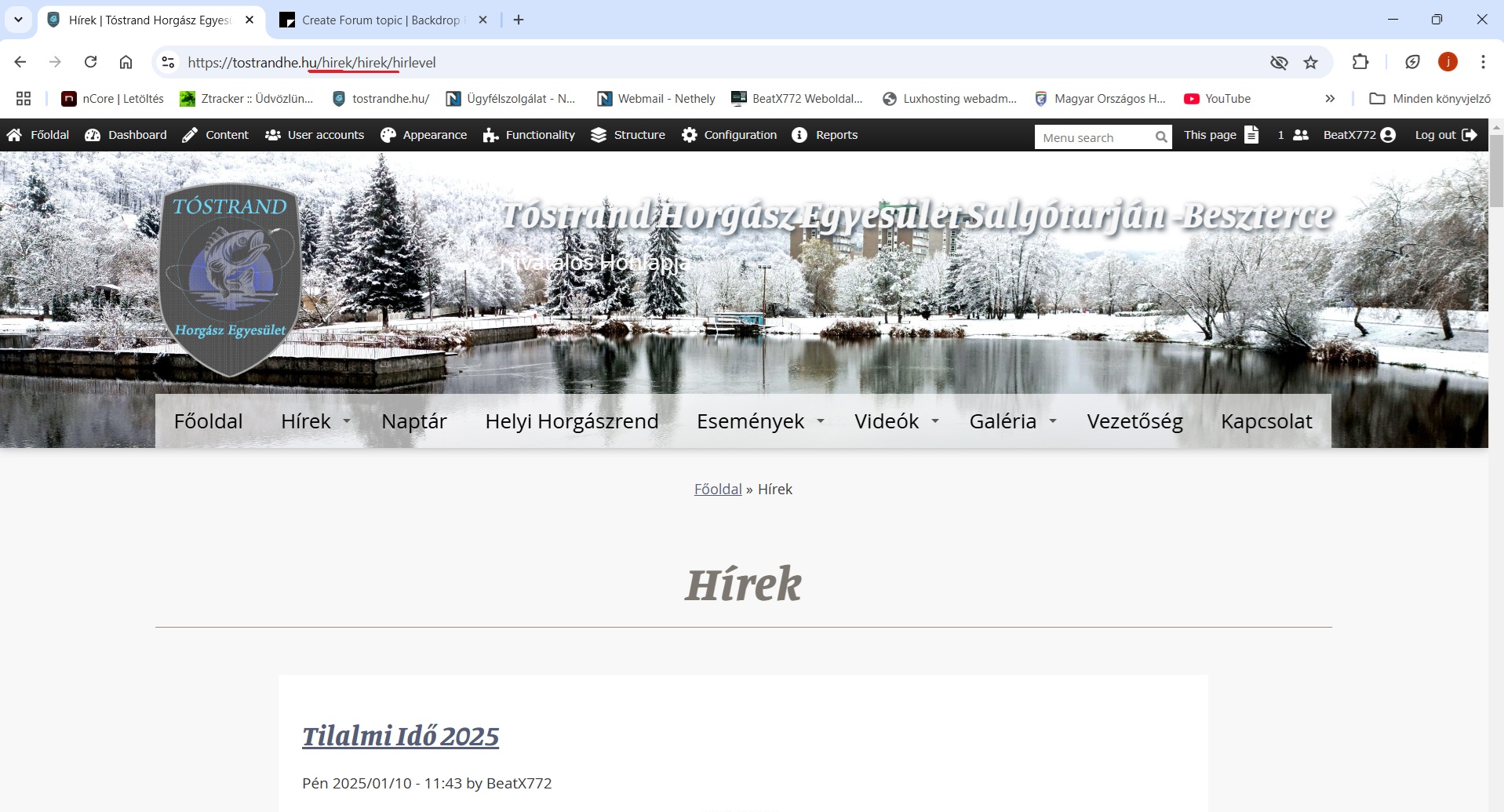
url pattern: [node:book:url:path]hirek/[node:title]
It turned out that this is not a “term”, but a “page”. Ok.
If this is a content type like “News”, it is logical to use the pattern
"news/[node:title]"
where "news" is a list of all news,
and “news/some_news” is a separate news item.
I don't understand why you use [node:book:url:path].
And then, what do you have written in the "URL settings" of this page, and why you can’t just edit this URL in the "URL settings" of this page?
(I always use [node:created:raw][node:nid]
“news/[node:created:raw][node:nid]“
to receive more beautiful and unique addresses. Recommend to everyone.)
I think you have this problem https://tinyl.io/Bwne or https://tinyl.io/Bwo6
Solution: add to your Views page /hirek Contextual filter "Global: Null".
And use a Canonical URL for all pages, which will help eliminate duplicate content for search engines.
Hi, @BeatX772
I'm still wondering how this adventure ended?
Hello
Sorry, I work
/hírek/hírek/
Page not found
Yes, nice thank you Mr.
Two questions:
There was a bug with CKEditor 4 when the base paths of pages were duplicated for multisite installations. See https://github.com/backdrop/backdrop-issues/issues/5886
But this was fixed for CKEditor 4. Perhaps now this is a problem with CKEditor 5? Let us know.
No,
Hungary site, this Hirek = News
Sorry bad translate, google translator
google serach console