How can i as an administrator upload js or gz files on a field?
Accepted answer
Comments
Make sure it's a file field and enter the allowed file types, e.g.:
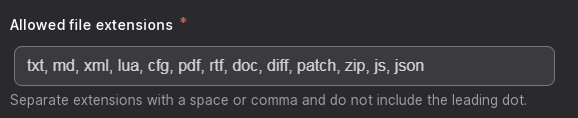
wont work, it is hard coded to be blocked.
Can you paste or screenshot the error you encounter?
there is no error, it gently renames the file
Strange, I just tried on a fresh install. I added "gz" to the list of allowed extensions on a file field, and it allowed me to upload:
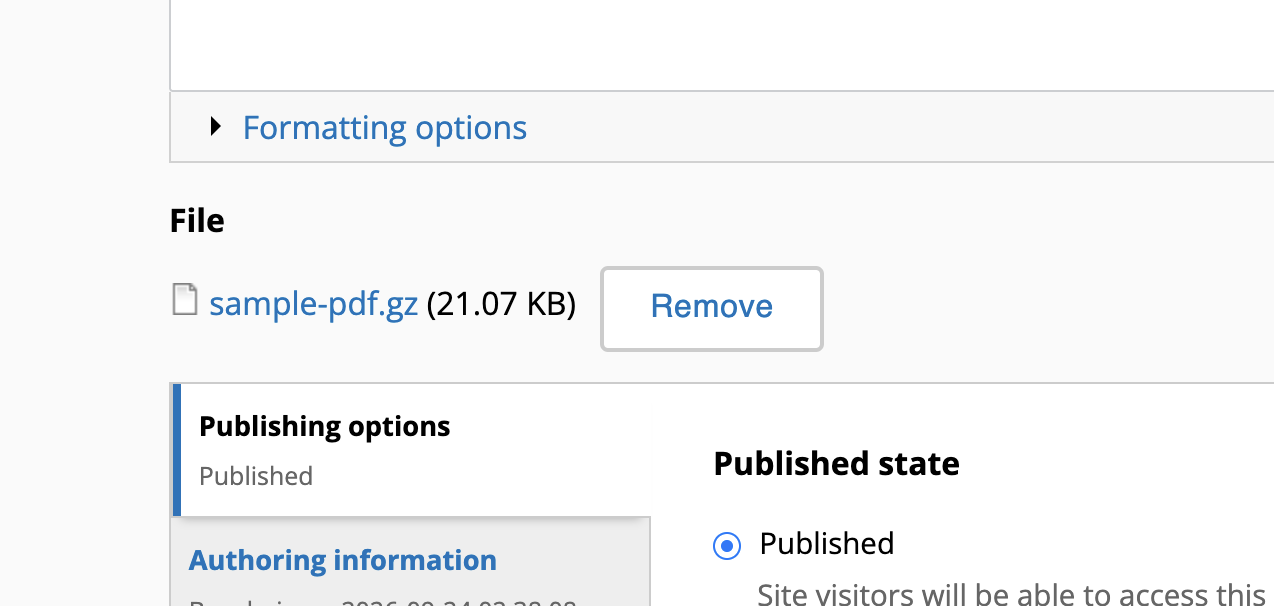
I did notice that when I first tried a file named "sample-pdf.pdf.gz" it renamed it to "sample-pdf.pdf_.gz" for security reasons, but it left the final extension ".gz"
try sample.js.gz or sample.framework.js.gz or sample.js or anything smiliar and .js even if its not the file extension or it is, it will be renamed to _js. This is hardcoded security thing and i think it should be up to the site administrator.
Anyways i found a different solution to my specific problem but id prefer if this worked.
This is a security precaution. It's not recommended and it's not documented in the settings.php file, but you can set allow_insecure_uploads to be TRUE if you wish to allow uploading files like this without renaming them.
$settings['allow_insecure_uploads'] = 1;
Again, not recommended, but possible. Details here.
This is a security precaution. It's not recommended and it's not documented in the
settings.phpfile, but you can setallow_insecure_uploadsto be TRUE if you wish to allow uploading files like this without renaming them.$settings['allow_insecure_uploads'] = 1;Again, not recommended, but possible. Details here.