How to reset wrong Lateral-Layout-Settings especially view "promoted content"
My next question:
How to reset a “View” that I accidentally set incorrectly with titel "promoted content" (see screenshot) or better: how to bring "all views" back to origin point after installing backdrop?
There were already questions about Views restoration to default settings, but I did not see a simple answer — install a clean copy of Backdrop and make an export > import. I always have a copy Backdrop “for experiments” on a local server, very convenient.
Thanks! Yes,
You can check out the dev branch on GitHub here: https://github.com/shabib-m/tailwindcss/tree/dev
Note: I’ve just pushed an update to the dev branch adding the Dark Mode...
Hi, so working through Amilenkov's useful suggestions in turn
unpublished? - I can see the page itself when not logged in. I did then edit and added a menu link from the page...
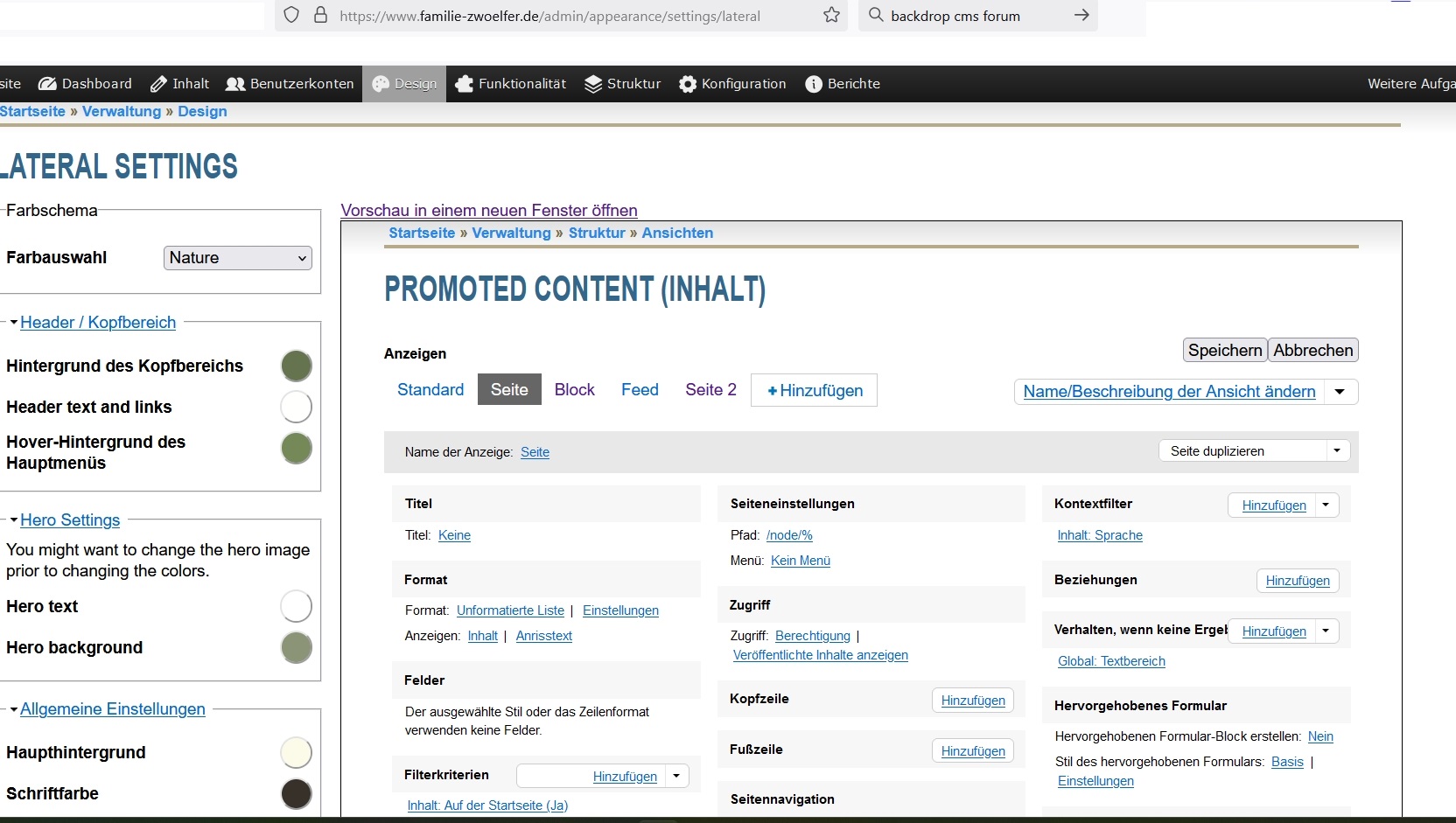
Comments
From within the view:
From the listing of views:
I'm not aware of a simple way to revert all views to their default in one operation.
There were already questions about Views restoration to default settings, but I did not see a simple answer — install a clean copy of Backdrop and make an export > import. I always have a copy Backdrop “for experiments” on a local server, very convenient.