How to reset wrong Lateral-Layout-Settings especially view "promoted content"
My next question:
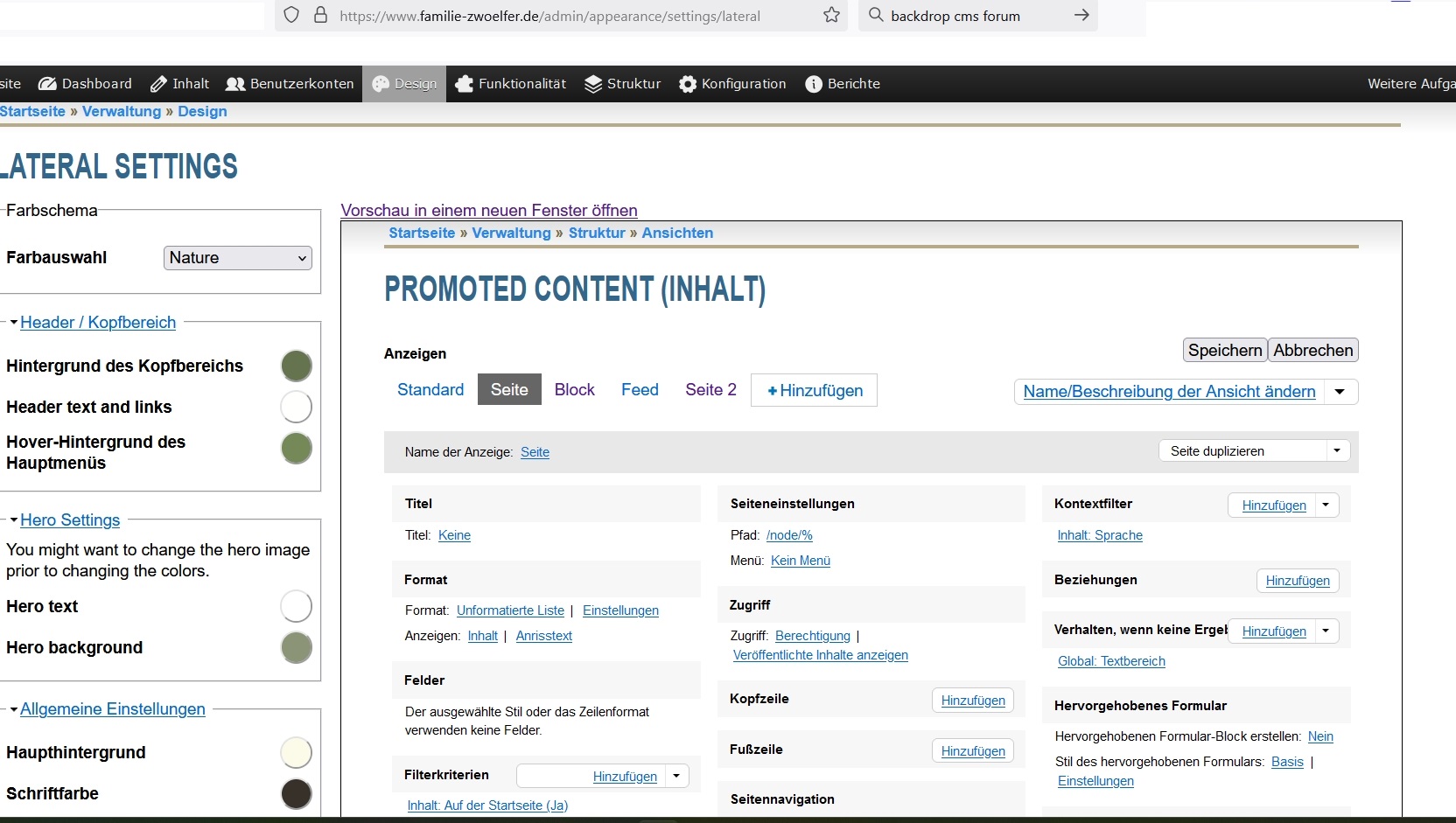
How to reset a “View” that I accidentally set incorrectly with titel "promoted content" (see screenshot) or better: how to bring "all views" back to origin point after installing backdrop?
There were already questions about Views restoration to default settings, but I did not see a simple answer — install a clean copy of Backdrop and make an export > import. I always have a copy Backdrop “for experiments” on a local server, very convenient.
Thanks! Yes,
You can check out the dev branch on GitHub here: https://github.com/shabib-m/tailwindcss/tree/dev
Note: I’ve just pushed an update to the dev branch adding the Dark Mode...
Hi, so working through Amilenkov's useful suggestions in turn
unpublished? - I can see the page itself when not logged in. I did then edit and added a menu link from the page...
Amilenkov's suggestions are spot on. As for the greyed out Menu module, that's because there must be another module that depends on Menu. Core will gray out modules that cannot be disabled (e.g...
Posted1 day 19 hours ago by Alejandro Cremaschi (argiepiano) on:
Welcome to the Backdrop community!
My first suspicion would be access to the destination page. Backdrop checks access when building the menu, so a link can be enabled but still be hidden...
Posted2 days 3 hours ago by Antony Milenkov (amilenkov) on:
Comments
From within the view:
From the listing of views:
I'm not aware of a simple way to revert all views to their default in one operation.
There were already questions about Views restoration to default settings, but I did not see a simple answer — install a clean copy of Backdrop and make an export > import. I always have a copy Backdrop “for experiments” on a local server, very convenient.